
I’ve watched enough trading accounts hit zero to know that “following the expert” isn’t a complete strategy. It’s a start, but it’s not a finish. In the world of social trading, there is a dangerous myth that if you find a Master Trader with a 90% win rate, your job is done. The reality? That remaining 10% can wipe out your entire balance in a single afternoon if you haven’t automated your exits.
Most retail investors treat copy trading like a “set and forget” passive income machine. Professional traders and institutional-grade participants, however, view it as an allocation of risk. To survive the volatility of 2026, you need to transition from “copying trades” to “managing an automated portfolio.” This begins and ends with mastering the exit.
Define Your Risk Parameters Before Following a Master Trader
To protect your capital while copy trading, establish a maximum drawdown percentage and an equity risk limit. Unlike manual trading, copy trading risk management requires setting ‘hard stops’ at the account level to ensure that a provider’s losing streak doesn’t liquidate your entire balance regardless of their individual trade performance.
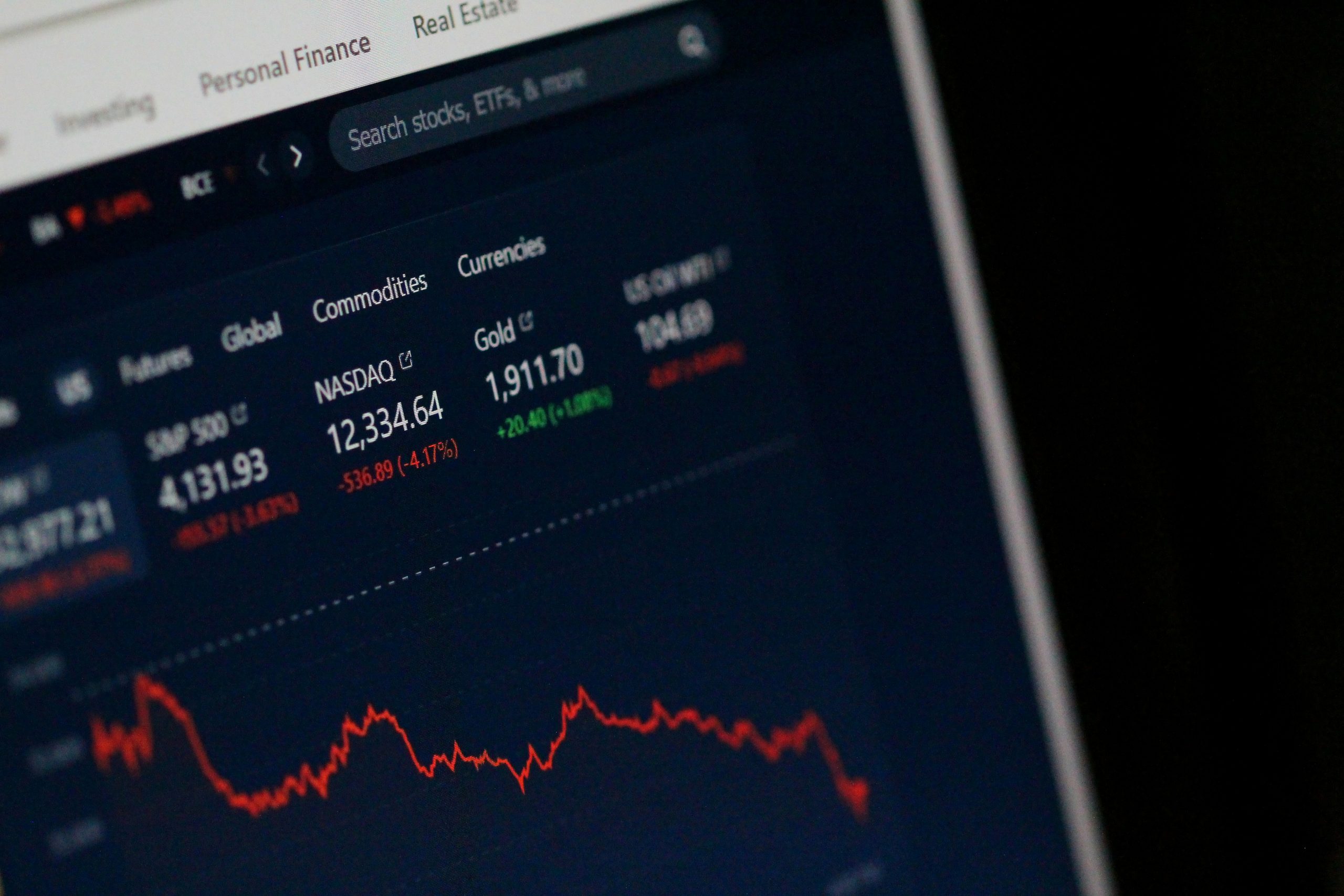
Establish clear risk parameters to safeguard your capital before engaging in copy trading.
Calculating the Ideal Risk-to-Reward Ratio
Before you ever click the “Copy” button, you must define what a “failure” looks like for that specific allocation. If you are allocating $10,000 to a high-frequency scalper, are you prepared to lose $2,000 to see if their strategy works? If not, your risk-to-reward ratio is skewed. I generally recommend an equity risk limit of no more than 20-25% of the allocated capital for any single provider. This ensures that even a catastrophic “black swan” event on their end doesn’t end your trading career.
Setting Equity-Based Stop Levels in Your Dashboard
Modern platforms have moved beyond simple stop-losses on individual trades. You should look for “Total Equity Protection.” This is a global setting that monitors your floating profit/loss (PnL). If your total account equity drops to a specific dollar amount, the platform should ideally sever the connection and close all positions instantly. This is your ultimate safety net.

Utilize ‘Total Equity Protection’ on your trading dashboard for automated risk management and capital preservation.
Understanding the Impact of Leverage on Copied Positions
Leverage is a double-edged sword that cuts deeper in copy trading. If your Master Trader is using 1:500 leverage and you are using 1:100, your margin requirements will differ significantly. You might get margin called even if the Master Trader’s account is still healthy. Always ensure your account leverage matches or exceeds the provider’s to prevent premature liquidations.
Risk Metric Conservative Approach Aggressive Approach Max Account Drawdown 5% – 10% 20% – 30% Equity Risk Limit Hard stop at 90% of balance Hard stop at 70% of balance Volume Multiplier 0.5x (Fixed) 1.0x to 2.0x
Execute the Setup: Connecting Your Account with Automated Protections
Once a master trader is selected, activate the ‘Copy Stop Loss’ feature. In platforms like Coinstrat Pro, this allows you to specify a fixed equity value; if your account balance hits this number due to copied trades, the system automatically closes all open positions and unsubscribes you from the provider.
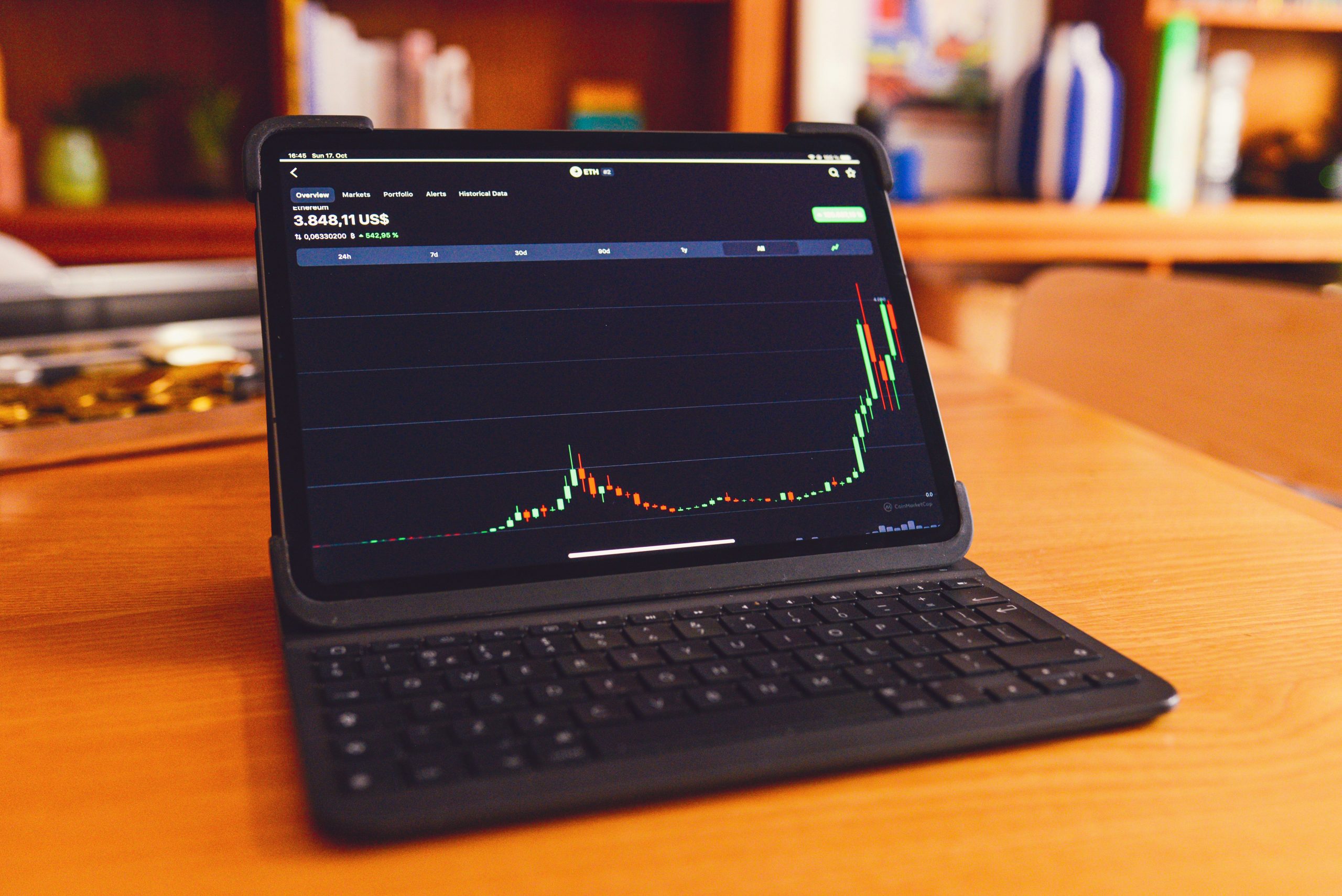
Configure automated protections like ‘Copy Stop Loss’ when linking your account to a master trader.
Step-by-Step Account Linking Process
-
Select the Provider: Navigate the leaderboard and filter by “Max Drawdown” rather than just “Total Return.”
-
Choose Allocation Method: Decide between ‘Equity to Equity,’ ‘Fixed Size,’ or ‘Percentage of Balance.’ For most followers, ‘Equity to Equity’ is the safest as it scales trade sizes proportionally.
-
Set the Equity Stop: In the settings menu, look for “Account Protection” or “Copy Stop Loss.” Enter the exact balance at which you want the system to kill the connection.
-
Define the Action: Ensure the setting is configured to “Close all positions and Unsubscribe” rather than just “Keep positions and Unsubscribe.” The latter leaves you exposed to the market without the Master Trader’s further management.
Configuring the ‘Equity Stop’ vs. ‘Drawdown Stop’
An Equity Stop is a fixed number (e.g., “Close everything if my balance hits $8,000”). A Drawdown Stop is relative (e.g., “Close everything if I lose 15% from my peak balance”). In a trending market where your balance grows, a Drawdown Stop (essentially a trailing stop for your whole account) is superior because it protects your accrued profits, not just your initial seed money.
Using a hybrid broker with institutional-grade tech allows these calculations to happen in milliseconds. This is critical because if the market moves 100 pips in seconds, a laggy “stop loss” might slip your exit price significantly.
How to Monitor and Adjust Positions Without Breaking the Sync
Effective management involves ‘active observation’ rather than ‘active interference.’ Use a copy trading platform with stop loss capabilities to adjust your risk multiplier in real-time if a trader’s volatility increases, ensuring your exposure remains within your predefined comfort zone without manually closing trades.
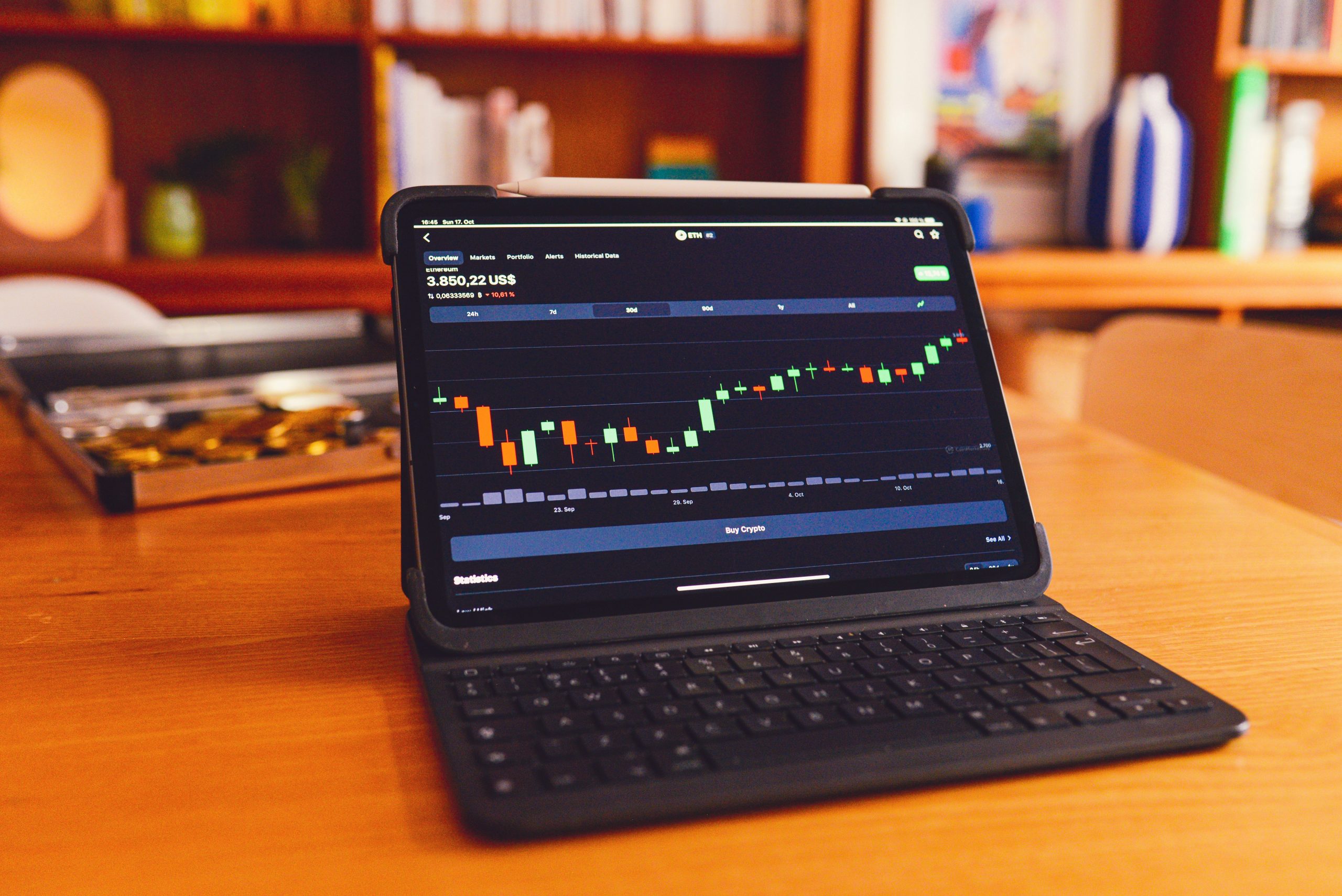
Actively monitor performance and adjust risk multipliers to stay within your comfort zone without interfering with synchronized trades.
Using the Pause Feature During High-Volatility News Events
One of the most underutilized tools in social trading is the “Pause” button. If there is a major Federal Reserve announcement or GEOPolitical event, you aren’t obligated to follow the Master Trader through the storm. Pausing the copy prevents new trades from being opened while you monitor how the Master Trader handles their existing exposure. This is a key feature of the best social trading platforms in 2026.
Adjusting Risk Ratios Based on Provider Performance Shifts
Traders go through “style drift.” A Master Trader who was conservative last month might become aggressive this month trying to chase a loss. By monitoring the “Value at Risk” in your dashboard, you can lower your volume multiplier (e.g., from 1.0 to 0.5) to stay in the game with less exposure until the trader regains their composure.
“The goal of copy trading isn’t to find a god-tier trader who never loses; it’s to build a system that survives even when the trader makes a mistake.”
When to Manually Intervene vs. Letting the Automation Work
Generally, I advise against manually closing individual trades within a copied set. This desynchronizes your account. If the Master Trader closes the position for a profit later, your account won’t take the trade because you already “tampered” with it. If you are uncomfortable with a position, it is better to reduce your overall multiplier or stop the copy entirely than to cherry-pick which trades of theirs you like.
Common Pitfalls When Automating Trade Exits
The most common mistake is setting stop losses too tight, which can cause ‘stop-outs’ due to minor slippage or execution latency differences between the master and follower accounts. Always allow a 1-2% buffer beyond the master trader’s typical drawdown to account for market friction.
The Reality of Slippage in High-Speed Execution
Slippage occurs when the price you receive is different from the price the Master Trader received. If you have a stop loss at 1.1000 and the market gaps to 1.0995, your order will fill at the latter. If your stop loss was set exactly at the Master Trader’s “support level,” you might be kicked out of a trade that the Master Trader is still successfully holding. This is why robust execution—like the 0.0 pip spreads found in Coinstrat Pro Premium accounts—is non-negotiable for serious followers.
Why ‘Copying Exactly’ Isn’t Always the Safest Route
Copying exactly (1:1 ratio) assumes your risk tolerance is identical to the Master Trader’s. But what if they are managing $1 million and you are managing $1,000? A $500 drawdown is noise to them, but it’s 50% of your account. Use the allocation settings to scale the trade sizes down to your level of “sleep-well-at-night” risk.
Avoiding the ‘Maximum Leverage’ Trap During Recovery Periods
After a loss, there is a temptation to increase your multiplier to “catch up” to the Master Trader’s recovery. This is how accounts die. If the Master Trader enters a second losing streak with your increased multiplier, your account will hit its equity stop much faster than before. Stick to your risk plan.
Advanced Strategies for IBs and Master Traders
For Introducing Brokers (IBs), teaching your clients how to use a copy trading platform with stop loss isn’t just about protection—it’s about retention. An investor who loses their capital in a week will stop trading. An investor who uses risk controls and survives market cycles becomes a long-term partner. For Master Traders, providing clear guidance on where followers should set their equity stops builds trust and allows you to scale your AUM (Assets Under Management) more effectively.
Whether you’re exploring the latest technical innovations in hybrid brokerage or just trying to navigate your first multi-asset portfolio, remember: the person who wins in the long run is the one who optimized their exits while everyone else was obsessing over the entries.
Conclusion: Your Path to Professional Alpha
Automating your exits is the bridge between gambling and investing. By setting hard equity stops, matching your leverage wisely, and allowing enough “breathing room” for market slippage, you turn the social trading ecosystem into a professional wealth-building tool. Don’t wait for a margin call to start taking risk management seriously. Fine-tune your settings today, and let the automation do the heavy lifting safely.
FAQ
How does slippage affect stop-loss orders in copy trading?
Slippage occurs when the execution price differs from the requested price, often during high volatility. In copy trading, if the follower’s execution is slightly delayed compared to the master, a stop-loss might trigger at a worse price. To mitigate this, use brokers with deep liquidity and avoid setting stop-losses exactly on rounded psychological price levels.
Can I adjust my risk settings while a trade is currently open?
Yes, most advanced platforms allow you to modify your risk multiplier or equity stop-loss levels in real-time. However, reducing a multiplier while a trade is open usually only affects subsequent trades, whereas changing an equity-based ‘hard stop’ will provide immediate protection for the entire account balance.
What is the difference between a hard stop and an equity-based risk limit?
A hard stop is typically associated with a specific price level on an individual trade (e.g., selling EUR/USD if it hits 1.05). An equity-based risk limit is an account-wide safety trigger that closes all active positions regardless of their individual prices once your total account value drops to a predefined threshold.
Is it possible to copy multiple traders with a single stop-loss strategy?
While you can set individual stops for each trader you follow, the most effective way to manage multiple providers is through a ‘Global Equity Protector.’ This monitors the combined PnL of all copied trades and liquidates the entire portfolio if the aggregate loss exceeds your personal risk tolerance.